Mobile first: why your website must work on smartphones above all
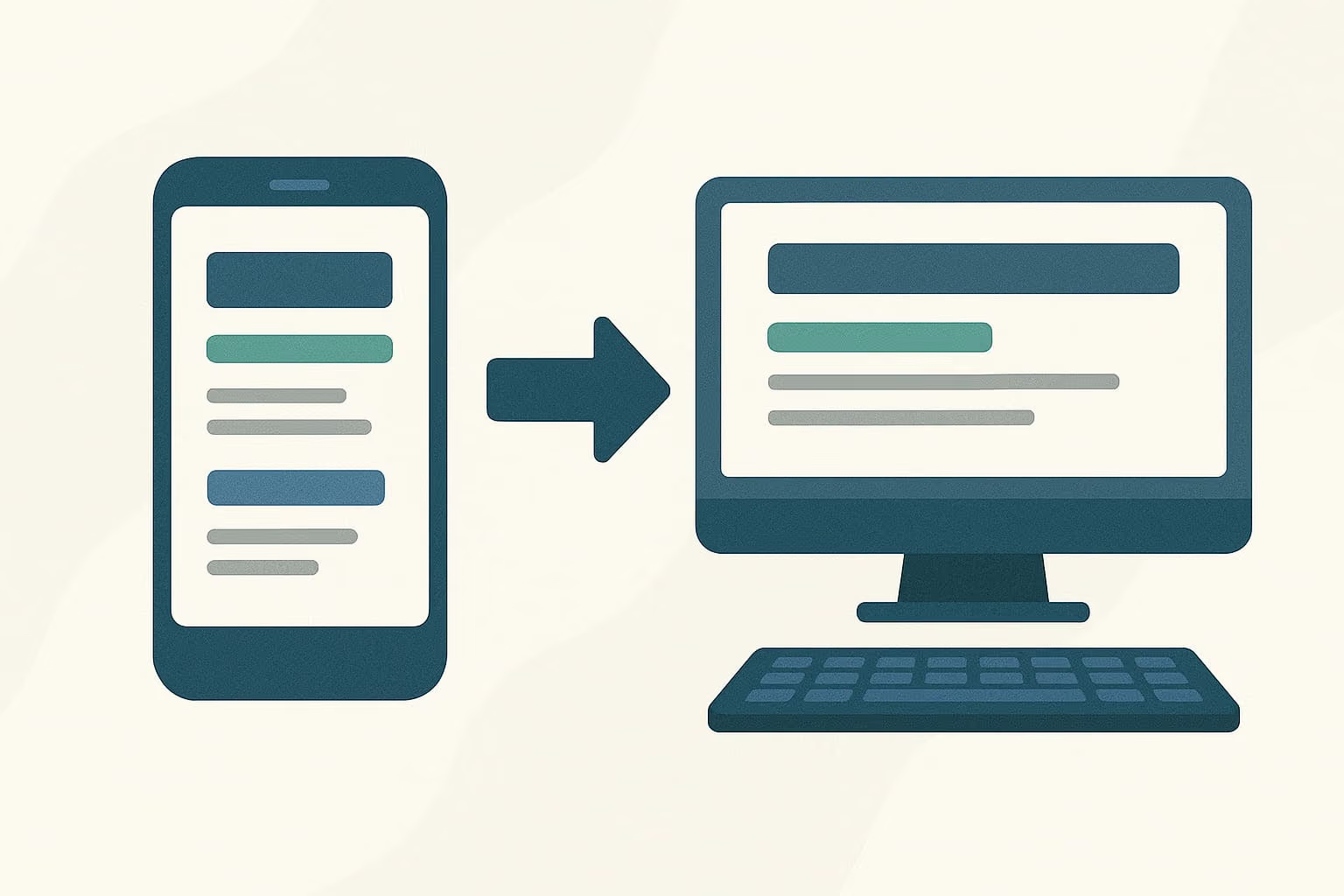
For many businesses, a website is still designed with the computer in mind first: the homepage is laid out on a wide screen, content is organised into columns, and only at the end does anyone worry about how all this will "adapt" to a smartphone.
The trouble is that this order is now reversed compared with how people actually use the internet. For most Ticino businesses, the majority of website traffic now comes from smartphones. Still designing "desktop first" means building the main experience for a minority of visitors.
What "mobile first" really means
Mobile first isn't simply "having a responsive website", one that resizes to fit different screens. It's a different approach to design: you start by designing the experience for the smartphone, and only afterwards adapt and enrich it for larger screens.
The difference isn't just technical. It changes the priorities:
- the most important content is placed at the top, without relying on side columns that disappear or pile up at the bottom on mobile;
- buttons and links are designed to be tapped with a finger, not clicked precisely with a mouse;
- text is written with readers on the move in mind, with less time and attention than someone browsing from a computer in the office;
- every unnecessary element is removed, because space on a small screen is limited and needs to be used wisely.
A website designed for the computer first and then "compressed" for the phone almost always carries compromises that show: cluttered menus, text that stays long even where it should be shortened, elements that overlap or become hard to use on small screens.
Why this matters even more in Ticino
Ticino businesses often work with customers looking for solutions "right now": a tradesperson to contact urgently, a shop whose opening hours and products need checking quickly, a professional to consult before an appointment. This kind of search happens almost always from a smartphone, often on the move.
If at that moment the website is slow to load, hard to read, or requires zooming in to find a phone number, the customer doesn't wait: they go back to the Google results and try the next competitor.
We touched on this in the article is your website a salesperson or a pointless cost?, where one of the studies cited shows that more than half of smartphone visitors abandon a website that takes more than 3 seconds to load.
The most common mistakes in sites that call themselves mobile first
Many websites describe themselves as "responsive" but, in everyday practice, still show the typical problems of an approach designed for the computer first:
Text that's too small or too dense. Readable on a monitor, tiring to read on a screen a few centimetres wide.
Complex navigation menus. Multi-level structures that work well with a mouse but become awkward to explore with a finger.
Long contact forms. Fields to fill in one by one on a touch keyboard, often with unclear validation when there's an error.
Images that are too heavy. Designed for quality on large screens, they slow down loading on slower mobile connections.
Buttons placed too close together. Easy to tap by mistake, creating frustration while browsing.
If these problems add up on an e-commerce checkout, the effect is even greater: we go into detail in the article checkout too complicated: how many customers can you lose?
Mobile first doesn't mean giving up on desktop
A common misunderstanding is thinking that designing mobile first means neglecting the computer experience. It's the opposite: starting from a solid, simplified base for smartphones makes it more natural to enrich the experience on larger screens, adding space, detail and more elaborate layouts where there's room for them.
The order matters because it's easier to add elements to an essential design that works than to remove elements from a complex design built for a large screen, trying to make it fit on a small one.
How to tell if your website is designed for mobile
A few simple checks help build a concrete picture:
- Open the website on a smartphone and try to complete the main action you'd want a customer to take (contacting you, buying, requesting a quote), without zooming.
- Check whether it loads quickly even on a less-than-ideal mobile connection.
- Check that the main contact details are visible without too much scrolling.
- Try filling in a contact form on your phone and judge how easy it is.
If you notice friction or effort in any of these checks, the website was probably designed mainly for the computer, even if it visually appears to adapt to the smartphone.
For a more structured look at the user experience, beyond the mobile aspect, the article UX/UI audit: find out if your website really offers a good experience may be useful.
The right technical foundation from the start
A truly smooth mobile experience also depends on technical choices made upstream: fast hosting, optimised images, lean code. These are aspects we handle directly with our website service, designed for a fast, reliable site on every device, including the ones nobody used for testing.
Contact us
If you're not sure whether your website really offers a good experience on smartphones, the simplest way to find out is to have it checked by someone who looks at it every day with a technical eye.
Contact us: together we'll assess how your website performs on mobile and what's worth improving first.