Checkout too complicated: how many customers are you losing?
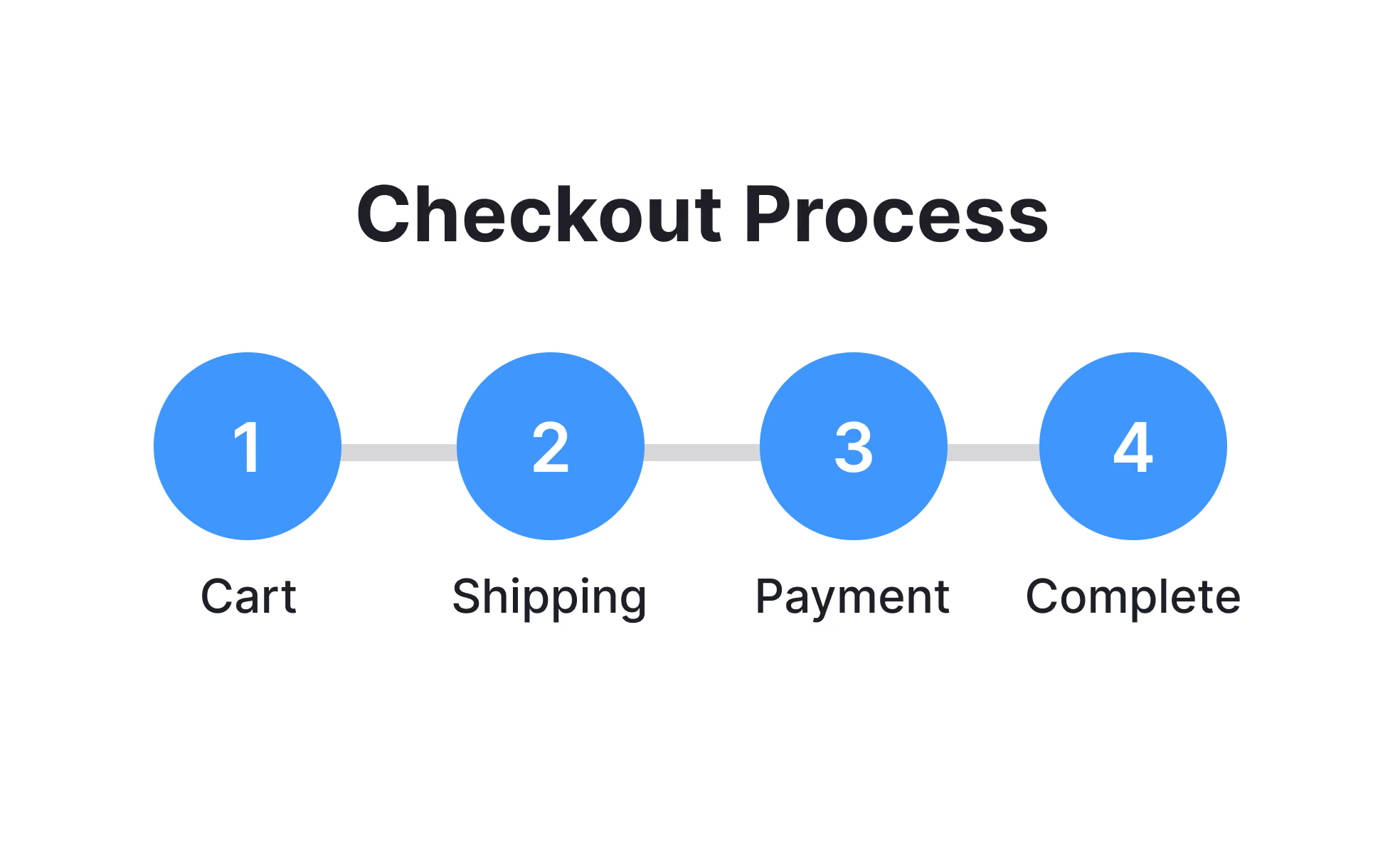
In an e-commerce journey, checkout is the most delicate moment, more than the choice of product: it's the final set of steps before a visitor actually becomes a paying customer.
This is exactly where the highest share of potential sales is lost. According to data gathered by the Baymard Institute, which has studied online shopping behaviour for years, the average cart abandonment rate sits at around 70%. In other words, roughly seven customers out of ten get close to buying and then give up.
Not all of these abandonments are down to the checkout. But a significant share is, and it's the easiest part to fix.
Why checkout is the most critical point
Up to the cart, the visitor is still weighing things up. At checkout, they have already decided to buy. This is the moment when a business should make things as effortless as possible, so as not to lose a decision that has already been made.
The problem is that many e-commerce sites treat checkout as a technical detail rather than a crucial part of the buying experience. The result is long processes, confusing forms and unnecessary requests for information, turning an already convinced customer into a last-minute drop-out.
The most common causes of checkout abandonment
Some reasons come up more often than others:
- mandatory registration. Forcing users to create an account before they can buy is one of the most frequently cited obstacles in studies on the subject;
- too many steps. Every extra page between the cart and order confirmation is another chance to abandon;
- costs that only appear at the end. Shipping fees or taxes not shown earlier create distrust right at the final step;
- limited payment methods. If the customer's preferred option is missing (card, TWINT, invoice, PayPal), the purchase stalls right there;
- long or unclear forms. Unnecessary mandatory fields, confusing error messages, a layout that breaks on smartphones;
- lack of trust. No elements to reassure customers about payment security or the seller's reliability.
Most of these problems don't require a complex fix. They require attention to a step that is often designed once and never revisited.
Mobile makes everything more critical
Most online purchases today happen on smartphones, where every bit of friction counts double: fields that are hard to fill in with touch, layouts that break on small screens, slower loading times on mobile connections.
A checkout that works well on a computer but feels clumsy on a phone still loses a substantial share of customers, simply because it was never tested under the conditions in which it's actually used.
How to tell if the problem affects your e-commerce site
Before taking action, it's worth looking at a few concrete signals in your own data:
| Signal | What it may indicate |
|---|---|
| Many carts created, few completed conversions | The problem lies in the checkout process, not the product |
| Abandonment concentrated on a specific page | That page has a specific obstacle to fix |
| A marked difference between desktop and mobile conversion | Checkout is not optimised for smartphones |
| Many drop-outs after shipping costs are shown | Costs are not communicated early enough |
This data is usually available in the analytics tools already connected to your e-commerce site. The data you need is normally already there: you just need to look at it with the right question in mind.
Some principles for simplifying checkout
There's no single perfect checkout that works for every industry, but some principles apply generally:
Cut the steps down to the essential minimum. Every extra click and page is another chance to abandon.
Allow purchases without mandatory registration. The option to create an account can stay, but it must not be a barrier.
Show the total cost as early as possible. No surprises at the final step.
Offer several payment methods. More available options mean fewer customers stuck because of a missing method.
Test checkout from a smartphone regularly, the way a customer would, not just from the office computer.
These steps apply both to an e-commerce site built on a CMS such as Shopify or WooCommerce, and to a bespoke solution: we covered this in the article Shopify, WooCommerce, PrestaShop or a bespoke e-commerce site: which one to choose?
Checkout is only one piece of a bigger problem
An optimised checkout helps, but on its own it doesn't guarantee a profitable e-commerce business. Low-quality traffic, unclear products or the wrong price positioning can still limit results, even with a flawless checkout.
We looked at this topic more broadly in the article why many e-commerce sites aren't profitable, even with traffic, which is useful for getting a fuller picture before focusing on just one aspect.
The technical side matters as much as the design
A smooth checkout also depends on technical factors: site speed, payment system stability, and the security of the data customers enter. These are aspects we handle directly as part of our e-commerce service, to make sure the final step of a purchase never becomes the reason a customer gives up.
Get in touch
If you suspect your e-commerce site is losing sales right at the final steps of the purchase, there's no need to guess where the problem lies.
Contact us: we'll analyse your checkout and show you exactly where customers abandon and what can be fixed.