How good UX can save your business time
When an everyday task takes more clicks than it should, or an important function is tucked away somewhere unintuitive, nobody in the company reports it as a serious problem: people learn to live with the friction and carry on working a little more slowly than they could. The cost of that slowness still exists, though, and it repeats every day with every person who uses the tool.
The mechanism behind the lost time
Every extra second a simple action takes – finding a button, working out where to enter a piece of data, finding your way around an unclear menu – repeats each time that action is performed. An action that takes 20 seconds instead of 5, repeated dozens of times a day by several people, adds up to hours of lost time every month, spread across pieces too small to notice one by one but large enough, taken together, to weigh on the company's time budget.
Where this effect shows up most often
Tools used every day are where good UX makes the biggest difference: an internal management system, an invoicing system, an online shop the team updates constantly. The more often a tool is used, the more the time saved by a well-designed interface multiplies over time, whereas a website the same users visit only rarely has less room for improvement on this particular front.
Fewer mistakes, not just less time
A confusing interface doesn't only waste time, it also causes more mistakes: a field filled in the wrong place because the layout wasn't clear, an option selected by accident because it sat too close to another, a step skipped because it was hard to see. Each mistake like this takes time to spot and correct, a cost on top of the time lost in daily use. We covered this in more detail in the article difficult software costs more than you think, where the same mechanism is applied to the overall cost of unintuitive software.
Fewer internal support requests
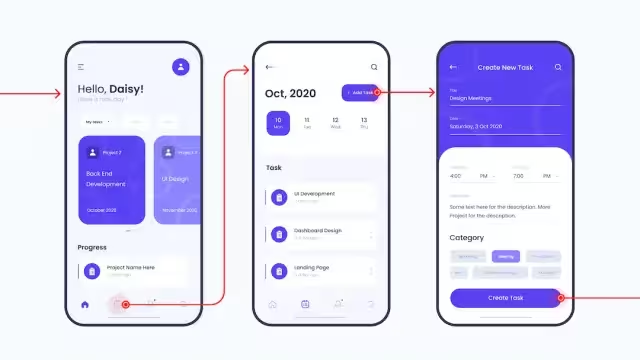
When an interface is intuitive, people find their own way to completing a task. When it isn't, they ask a colleague or whoever looks after the system for help, interrupting that person's work too. This is most noticeable when someone new joins the company: a well-designed interface shortens the time needed to learn it, while a confusing one calls for longer training, repeated every time someone on the team changes.
Why it pays to act before the problem grows
The time lost to poorly considered UX grows with the number of people using the tool and the number of times they use it each day. A problem that looks negligible with a small team becomes significant as the company grows, and by then fixing the interface takes more work than designing it well from the start would have.
How we work on this
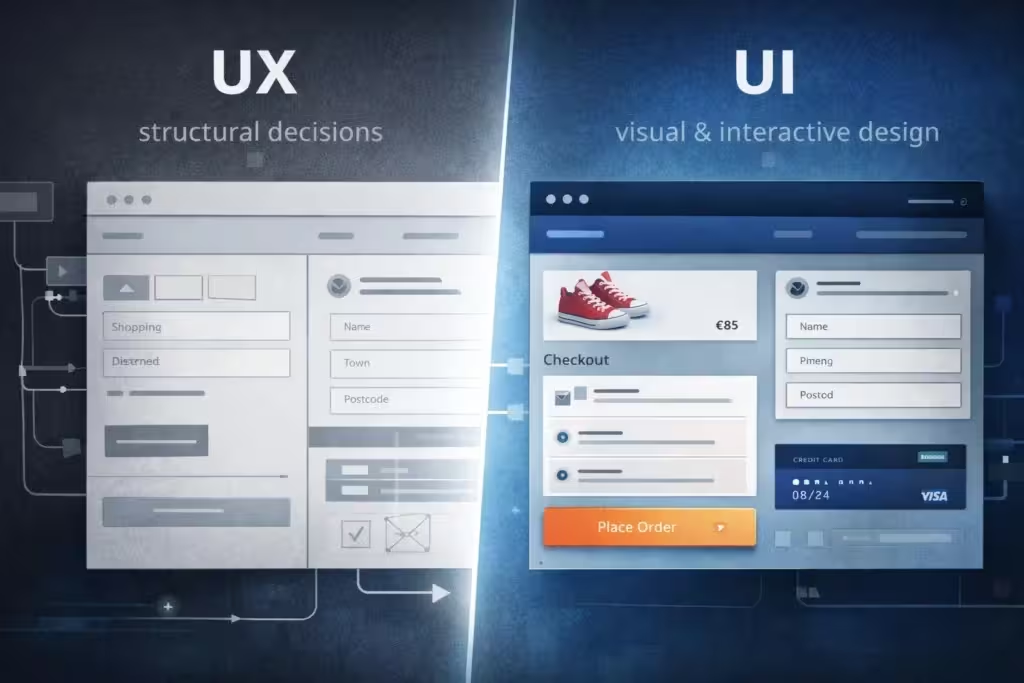
We design with an eye on how long each action people will have to perform will really take, not just on how the interface will look in a screenshot: websites with our website service, online shops and bespoke applications with our web development service. When the doubt concerns an existing tool that seems slower than it should be, we first check it with an analysis of the real processes through our smart business consulting service.
If you suspect a website or application in your company is costing you more time than it should, get in touch: we'll look together at where that friction comes from and how much time you could win back by fixing it.