Secure passwords: how to create, update and protect them effectively
Passwords are the first line of defence for protecting our personal and business data. Every day, millions of online accounts are targeted by hackers, and the main cause of breaches is often a weak or reused password. Despite this, many people still use simple combinations such as 123456, password or their pet's name, putting their digital security at risk.
What is a secure password?
A secure password isn't just long: it has to be hard to guess and unique to each account. Some practical rules:
- Minimum length: at least 12 characters. The longer the password, the longer it takes an attacker to crack it.
- Variety of characters: include upper and lower case letters, numbers and special characters (such as @, #, $).
- Uniqueness: avoid using the same password for multiple accounts. If one account is compromised, all the others are at risk.
- Unpredictability: don't use dates of birth, family members' names or common words. Random phrases or word combinations are far more secure.
Examples of complex passwords:
- Weak: password123
- Moderate: passw0rd!2025
- Strong: 9f$L8x@QvR2z
Why updating passwords regularly is essential
Even the strongest password can be breached. For this reason, changing passwords periodically is a good habit. Some practical tips:
- Regular schedule: change passwords at least every 6-12 months.
- Immediate updates: if you suspect an account has been compromised, change it straight away.
- Security alerts: many online services send warnings about suspicious logins, so make the most of them to update your credentials.
Tools and strategies for creating complex passwords
Creating and remembering complex passwords might seem difficult, but there are now tools that make the job much easier.
1. Password generators
Online generators create random, robust and secure combinations, removing the temptation to use trivial passwords. Some examples:
- LastPass Password Generator: lets you choose length, symbols, numbers and capital letters.
- Bitwarden Password Generator: built into their password manager, it generates secure passwords and stores them automatically.
- NordPass Generator: offers quick, secure combinations directly from the browser.
2. Password managers
A password manager is an essential tool for anyone managing lots of accounts. It works as a secure vault, storing all passwords in encrypted form. Some benefits:
- You don't need to remember every password: just the master password.
- It generates random passwords for new accounts.
- It warns you if a password has been exposed in a breach.
Among the most popular password managers are 1Password, Dashlane, LastPass and Bitwarden.
3. Mnemonic strategies
If you'd rather not use a password manager, you can create complex passwords using random phrases and turning them into secure combinations. For example:
Phrase: "Today I drink 2 coffees at 10!"
Password: T0d@y1Dr1nk!2C0ff33s10
Common mistakes to avoid
- Reusing the same passwords: if one account is hacked, all the others are at risk.
- Using common words or proper names: hackers use dictionaries of common words to carry out attacks.
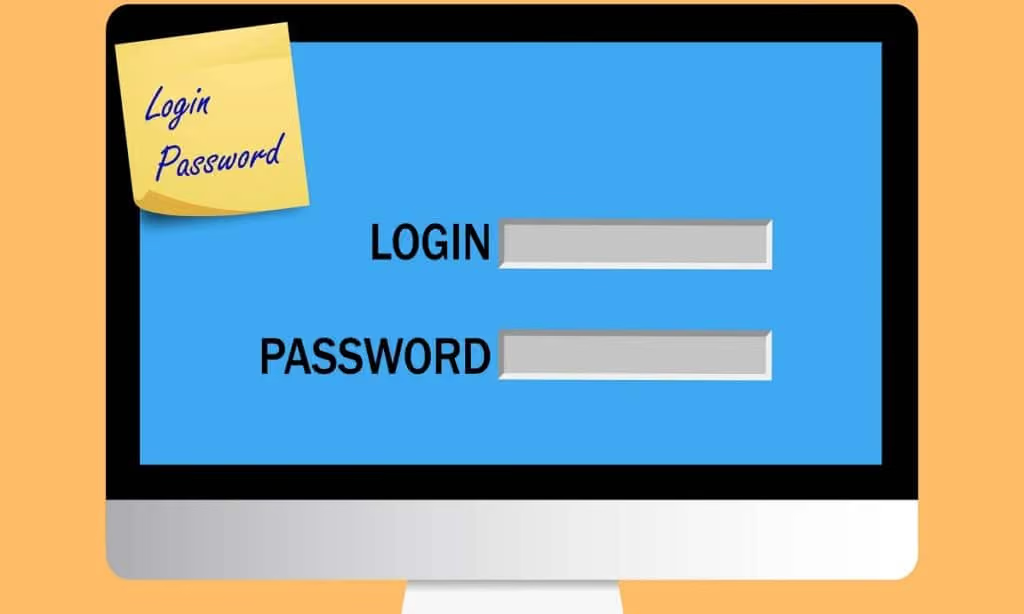
- Writing passwords on paper or sticky notes: it's always better to use a secure digital vault.
Conclusion
Online security starts with good password management. Using complex combinations, updating credentials regularly and relying on tools such as generators and password managers drastically reduces the risk of breaches. With a few precautions, it's possible to effectively protect your own digital identity and that of your business. A strong password remains the first line of protection for your accounts.