Phishing: how to recognise it and protect yourself
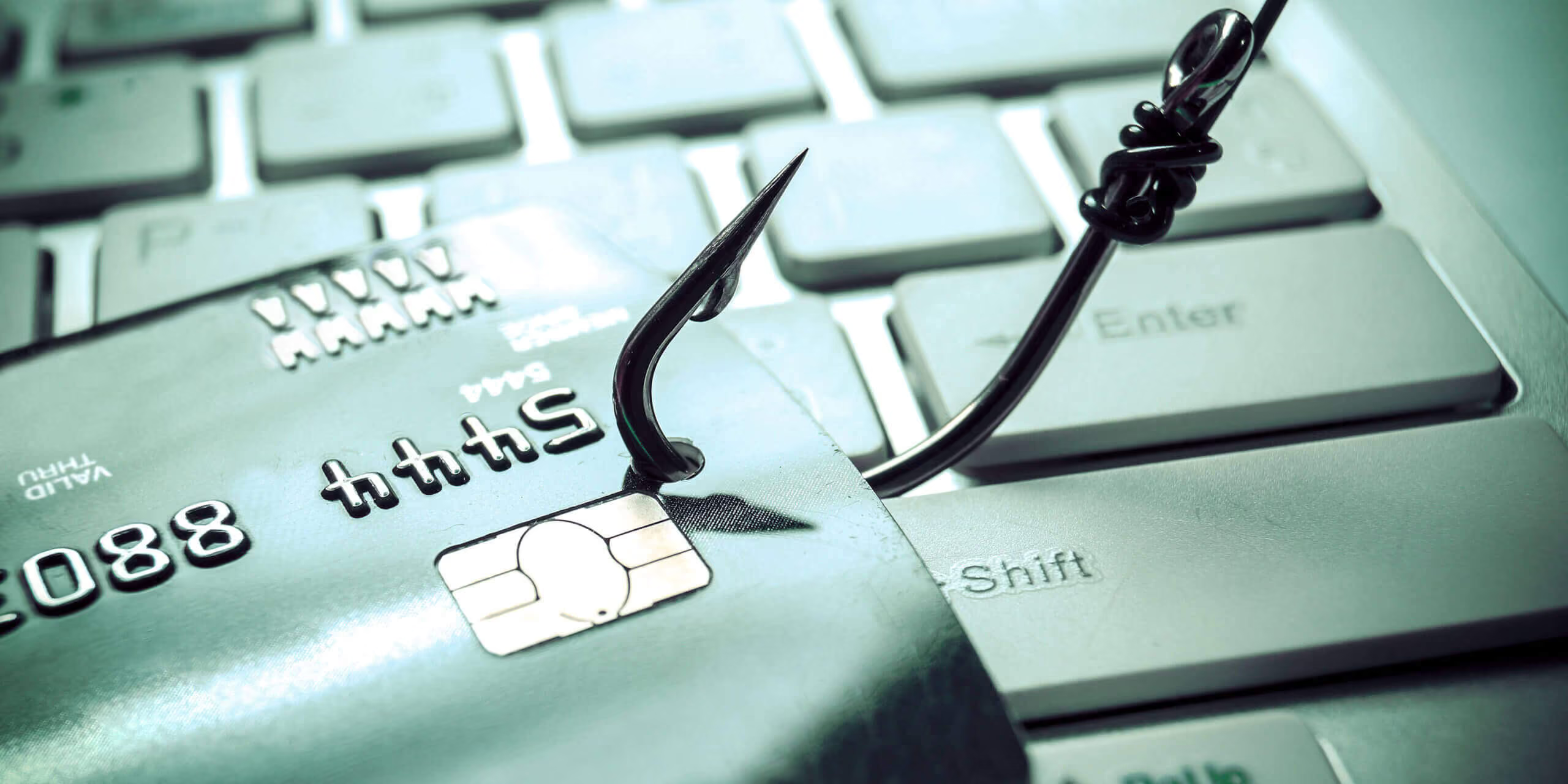
Phishing is a social engineering technique in which fraudsters try to convince you to reveal personal or business information. These messages often look legitimate, presenting themselves as emails from banks, services, well-known organisations or colleagues to build trust and induce a mistake.
How to recognise a phishing email
Recognising the warning signs is the first step to protecting yourself. Some common clues:
Suspicious sender address
Fraudsters often use email addresses very similar to genuine ones, with small variations in the domain. Always check that the address is correct and genuine.
Urgent language and threats
Messages designed to create panic ("account suspended", "immediate action required") are classic methods used to push you into reacting without thinking.
Misleading links and URLs
Before clicking, hover over the link to see the real address: if it doesn't match the official organisation, that's a warning sign.
Suspicious attachments
Attachments can contain malware or requests for sensitive information. Only open them if you trust the source.
Grammatical errors and poor formatting
Spelling mistakes, clumsy translations or formatting that differs from the official one are often a sign of a phishing attempt: genuine companies check their communications before sending them.
Common types of phishing attacks
Besides email, phishing can also happen through:
- SMS (smishing)
- Messages on chat apps
- Phone calls (vishing)
- Fake links on social media
These variants try to exploit the user's trust in seemingly normal communications.
Practical examples of recent phishing scams
In recent years, many platforms and organisations (such as banks or transport services) have been used by fraudsters to send deceptive messages. For example:
- fake emails that appear to come from postal or banking services
- "account verification" requests with malicious links
- suspicious job offers with infected attachments
These examples show the range of techniques used by "phishers" to lure their victims.
How to protect yourself from phishing
The strategies that work best to protect yourself, both individually and within a company:
Don't click suspicious links or attachments
Avoid clicking links in emails you weren't expecting or that look odd.
Use multi-factor authentication (MFA)
Multi-factor authentication adds an extra layer of security beyond your password.
Always keep software and security up to date
Keep your operating system, browser and security software up to date to reduce vulnerabilities.
Use anti-spam filters and content blocking
Turn on your mailbox's spam filter and, where possible, a malicious-content blocking service: together they catch a good share of phishing messages before they reach you.
Ongoing staff training
Training staff to recognise phishing attempts can prevent many breaches.
Phishing and business cybersecurity
For businesses, phishing targets a single person but puts company systems and information at risk. Security policies, advanced defence tools and ongoing training are essential to reduce exposure to cyberattack risks.
Conclusion
Phishing is one of the most common and insidious threats in the digital world, but with attention, the right tools and a culture of security, it is possible to protect yourself effectively.
Want to protect your business from phishing attacks?
Contact us for a free consultation and find out how to secure your systems and your employees.