SumUp x TWINT: how it works on the Solo device
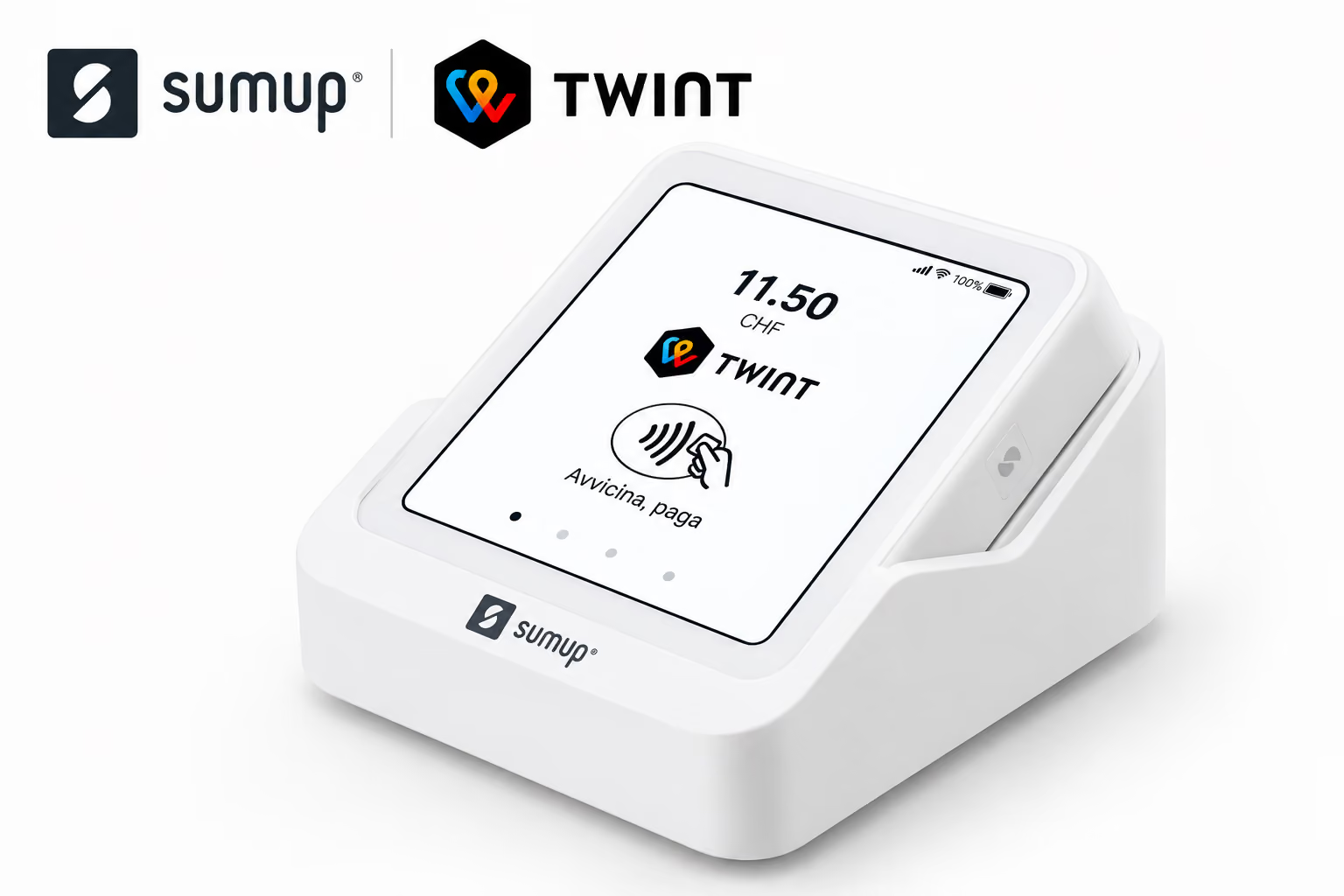
TWINT has become one of the payment methods most requested by customers in Switzerland, including Ticino. For many small businesses, shops, markets and mobile traders, the question these days is "which terminal lets me take TWINT without complications".
This article is specifically about the SumUp Solo: the information described here doesn't necessarily apply to other models in the SumUp range, which may behave differently when it comes to TWINT integration.
TWINT on SumUp Solo: automatic activation
The good news, confirmed directly by SumUp's technical support, is that on this model TWINT activates automatically, with no manual steps required from the merchant. There's no need to configure anything in the dashboard, and no need to request a separate activation: the device enables it on its own once connected to the SumUp profile.
Here is the exact response we received from SumUp support on this point:
"Yes, TWINT can be integrated with the Solo device. It's activated automatically and no manual steps are needed to enable it. If the TWINT QR code doesn't appear immediately, please log out and log back into your SumUp profile on the Solo device."
What to do if the TWINT QR code doesn't appear
In practice, the TWINT QR code sometimes doesn't appear straight away among the payment options available on the device, even though activation is supposed to be automatic. In this case, according to SumUp's direct guidance, the solution is simple:
- Perform a log out of the SumUp profile on the Solo device.
- Log back in with the same credentials.
- Check that the TWINT option is now visible among the accepted payment methods.
This step alone resolves most cases where automatic activation doesn't immediately show up in the device's interface.
Why this distinction between models matters
SumUp offers several devices (Air, Solo, terminals with a built-in printer, and others), and not all of them handle TWINT integration in the same way or with the same immediacy. Before assuming that a given behaviour applies to the whole range, it's worth checking it with your specific model, perhaps by contacting SumUp support directly, as we did for the Solo.
For a business choosing a payment terminal, this means an extra step not to skip: asking explicitly, before purchasing, whether TWINT is supported natively and automatically on the specific model being considered, rather than generically "on the SumUp range".
Why TWINT matters for a business in Ticino
For many Swiss customers, TWINT has become the preferred payment method for small and medium purchases, often quicker than a card for those who already have it set up on their smartphone. A business that doesn't accept it risks losing sales not because of the price or quality of the product, but simply because the customer doesn't have another payment method ready to use at that moment.
For physical businesses, markets, events or mobile services, a compact terminal like the Solo, with TWINT already built in, removes one of the most common obstacles to accepting digital payments: the complexity of setup.
A practical tip before choosing a terminal
If you're considering buying a payment terminal for your business, it makes sense to start with two simple questions: which payment methods your customers actually ask for (card, TWINT, or both), and how straightforward the activation process is on the model you're considering.
For the SumUp Solo, as confirmed by official support, activating TWINT doesn't require any extra configuration: in most cases, simply connecting the device to your profile is enough, and if the QR code doesn't appear straight away, a simple log out and log back in resolves the situation.
Get in touch
If you're thinking about how to digitise your business's payments, or you're unsure which solution best suits how you work, we can help you get clarity.
Get in touch: let's talk about your situation and help you work out which tool really makes sense for your business.